.png?width=150&height=53&name=New%20x2VOL%20Logo%20(4).png)
If you do not see any opportunities listed on your Find Opportunities page, please see this help article which may help you better.
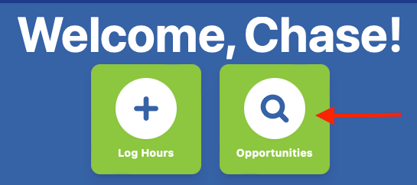
1. Click the big Opportunities button on your Dashboard.
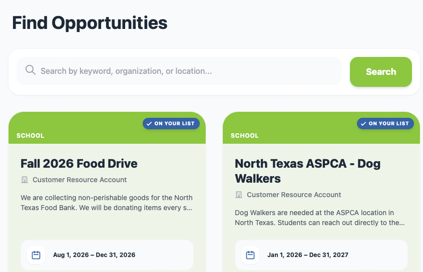
2. Browse the available Opportunities. Click on the View Details button to read the details of the event and sign up for a specific time shift for scheduled events or to add an ongoing opportunity to your my signups.
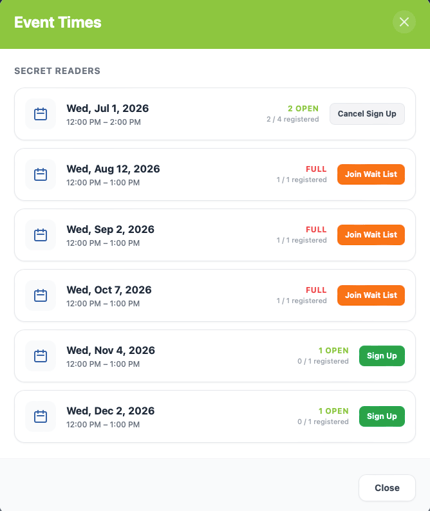
You can also cancel your signup from this view as well.
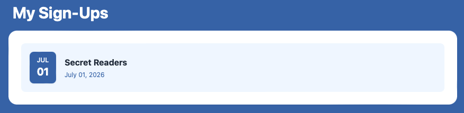
Alternatively, you can click on the My Sign-Ups tile on the right hand side of the Dashboard and cancel your sign up from that page.