.png?width=150&height=53&name=New%20x2VOL%20Logo%20(4).png)
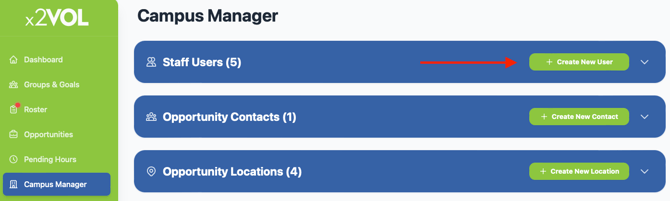
1. Click on the Campus Manager page in your left navigation bar. Click the Create New User button.
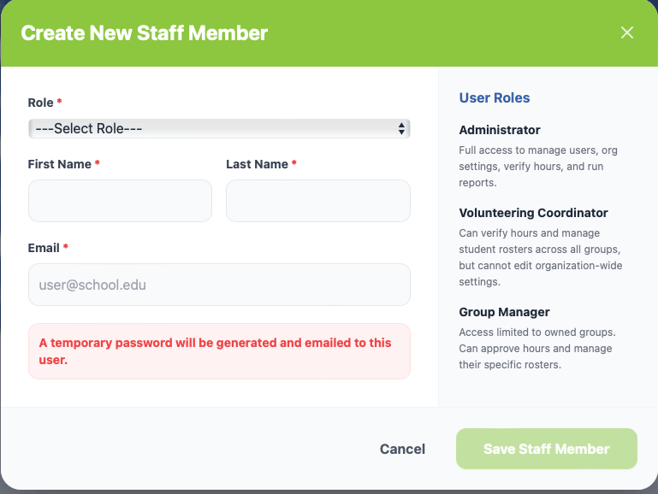
2. Choose the role that best fits the responsibilities of the new staff user and create their account. The new staff user will receive a temporary password in their inbox to activate their new staff account. Once they do this, they can begin logging in with their updated password they set or login via a single sign on method if the school has one set up.