.png?width=150&height=53&name=New%20x2VOL%20Logo%20(4).png)
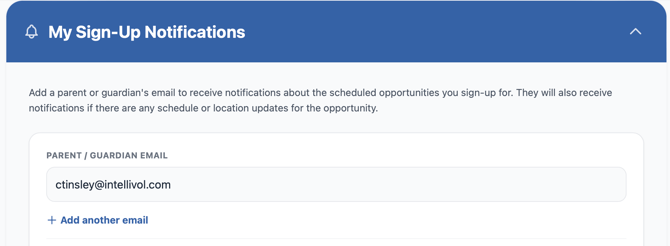
Follow the steps below to add a parent or guardian email address in the student's account settings to be notified when the student signs up for an opportunity in x2VOL.
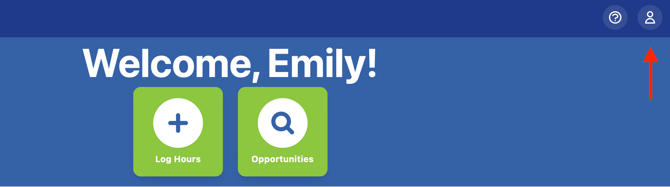
1. Login as a student and click the Profile icon.
2. Scroll to the My Sign-Up Notifications section and enter the parent email and click the green Save Notifications that appears.