.png?width=150&height=53&name=New%20x2VOL%20Logo%20(4).png)
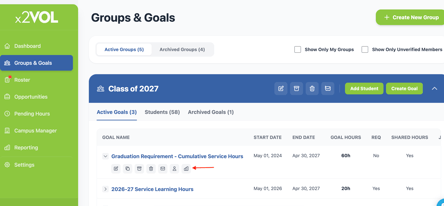
1. Go to the Groups and Goals page
2. Expand the Group the goal is in. Expand the Goal.
3. Click on the Goal progress icon
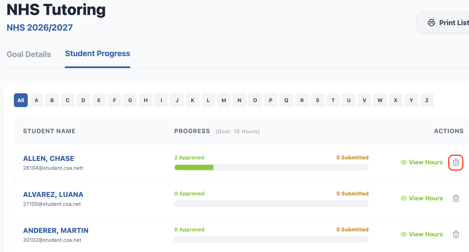
4. If the goal is not required in it's settings, you will be able to remove students from the goal by clicking the trashcan icon next to their name on the Goal Progress page.