.png?width=150&height=53&name=New%20x2VOL%20Logo%20(4).png)
The import student feature is used to add student accounts into your x2VOL account or assign a new group to existing student accounts in x2VOL.
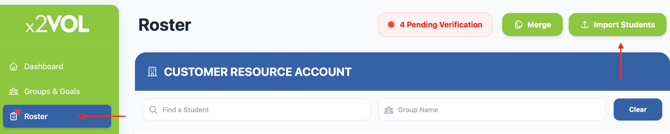
1. Click on the Roster page.
2. Click the Import Students button.
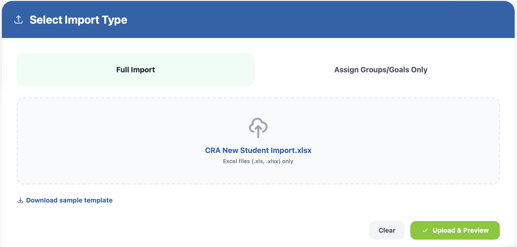
3. Select Import Type- Full import or Assign Groups/Goals Only.
4. Prepare our template with your student information and add it. Your student data must be in our template in an .xlsx or .xls format in order for the import process to work.
5. Click Upload and Preview.
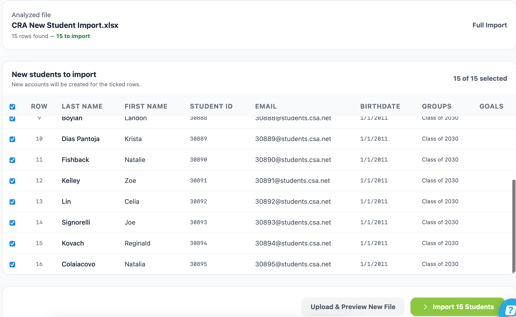
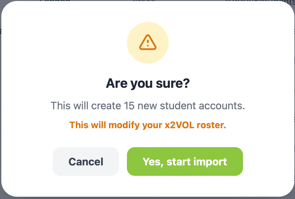
6. Review the results and click the green Import button to start the import.
See video instructions below: