.png?width=150&height=53&name=New%20x2VOL%20Logo%20(4).png)
Groups and goals are the foundational setup for your x2VOL account. Typically each grade level is a group (Example: Class of 2029) and goals are created to align with your service or work-based learning requirements.
1. Select the Groups & Goals page on your staff Dashboard navigation menu.
2. Click Create New Group button.

3. Create Mandatory Groups for each grade level and Club/Course groups for any optional groups you want to track hours for.
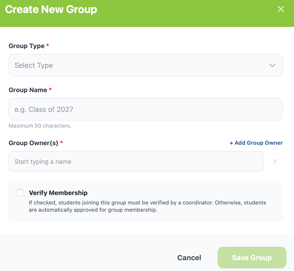
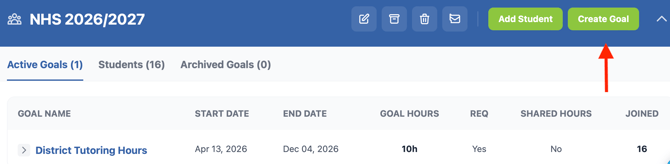
4. Expand the group to create goals for each group.
See our article on Best Practices for creating Groups and Goals HERE.
Check out this blog post on considerations when creating your service program!
Learn more about trends in service programs for private and public schools.