.png?width=150&height=53&name=New%20x2VOL%20Logo%20(4).png)
Option 1 - The student can join a new group from their Dashboard. (see how)
Option 2 - The Administrator or Group Manager can click the Add Student button on the group in question and select students one by one to add them to the group.
- Expand the Group
- Click the Add Student Button

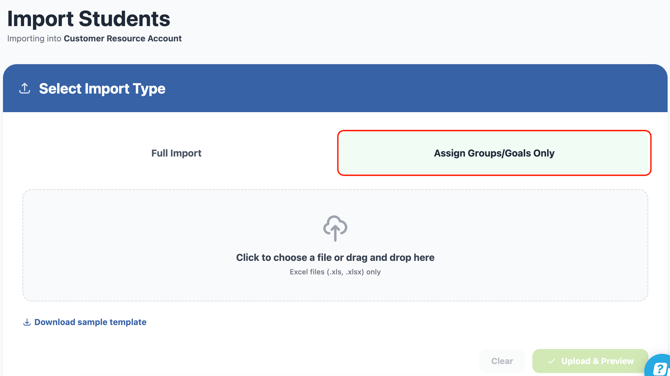
Option 3 - You can import the students in bulk using the Import Students feature.
NOTE: You must be an Administrator role in x2VOL to do this in your Roster page.
Important: You must use our template for a successful import. Download the Import Students template for assigning groups and goals HERE .
See video instructions on importing students into groups here: