.png?width=150&height=53&name=New%20x2VOL%20Logo%20(4).png)
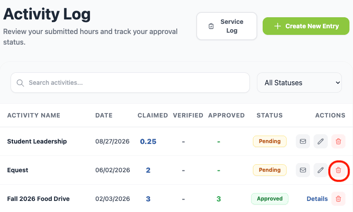
If a student no longer needs the entry they previously added to x2VOL, they can delete it by clicking the trash can icon. This will remove it from their goals, service log and reports for their school.
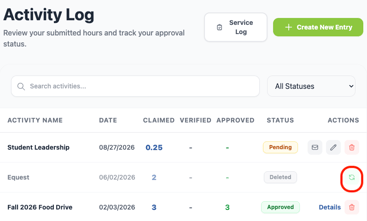
Deleted entries can be restored if they were deleted by accident.